Blog
Videos, carousels and notes about CloudShots, the screenshot manager for Mac, iPhone and iPad.
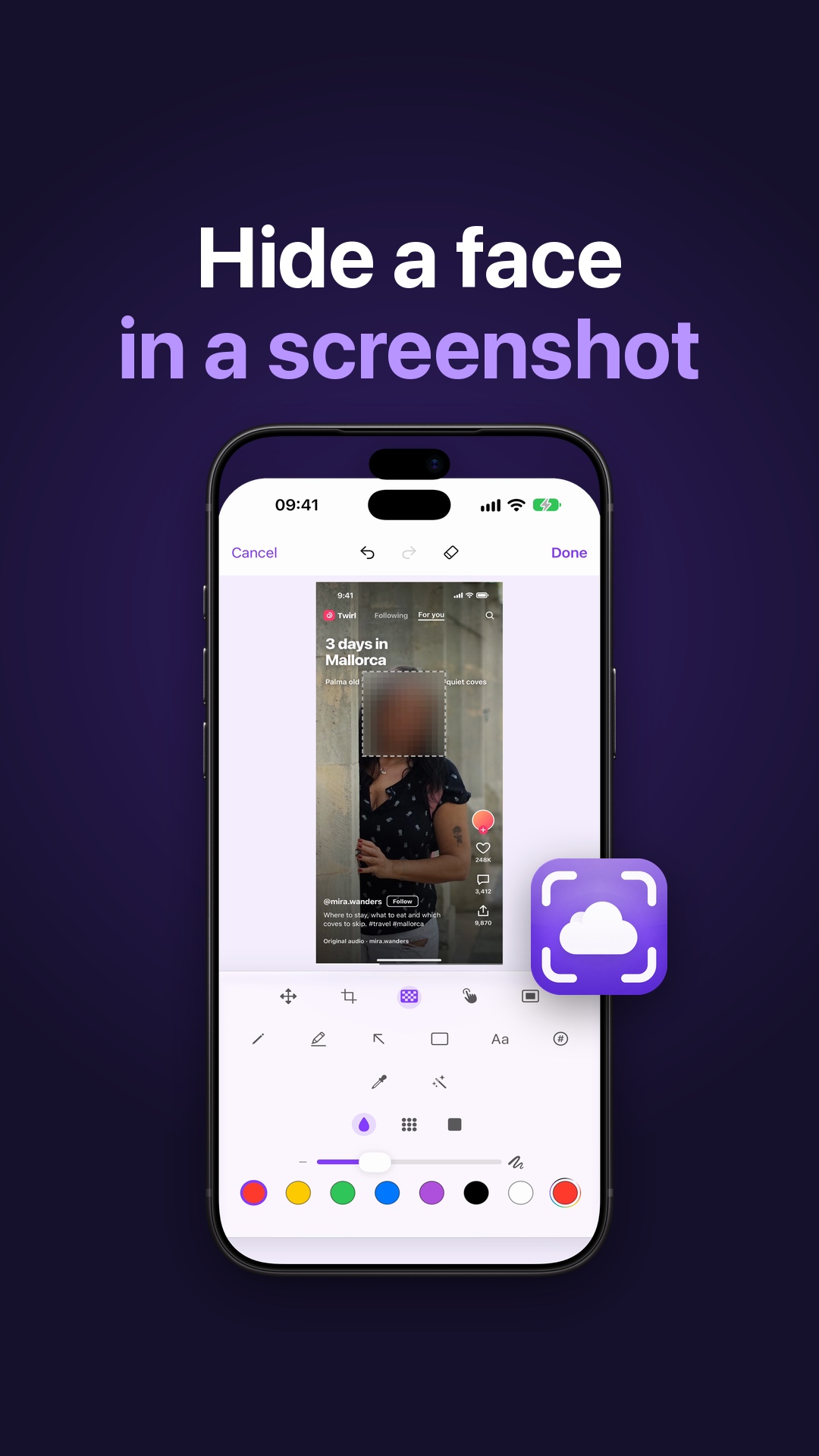 How to Hide a Face in a Screenshot on iPhone and MacRedact faces, redact all text or blur the background in a screenshot before you share it, then restore the original. Face detection runs on your device.
 I Screenshot Everything: How to Find Old Screenshots on iPhoneScreenshot everything and still find it: CloudShots gives each screenshot a Smart name on your device and searches the text inside every one.
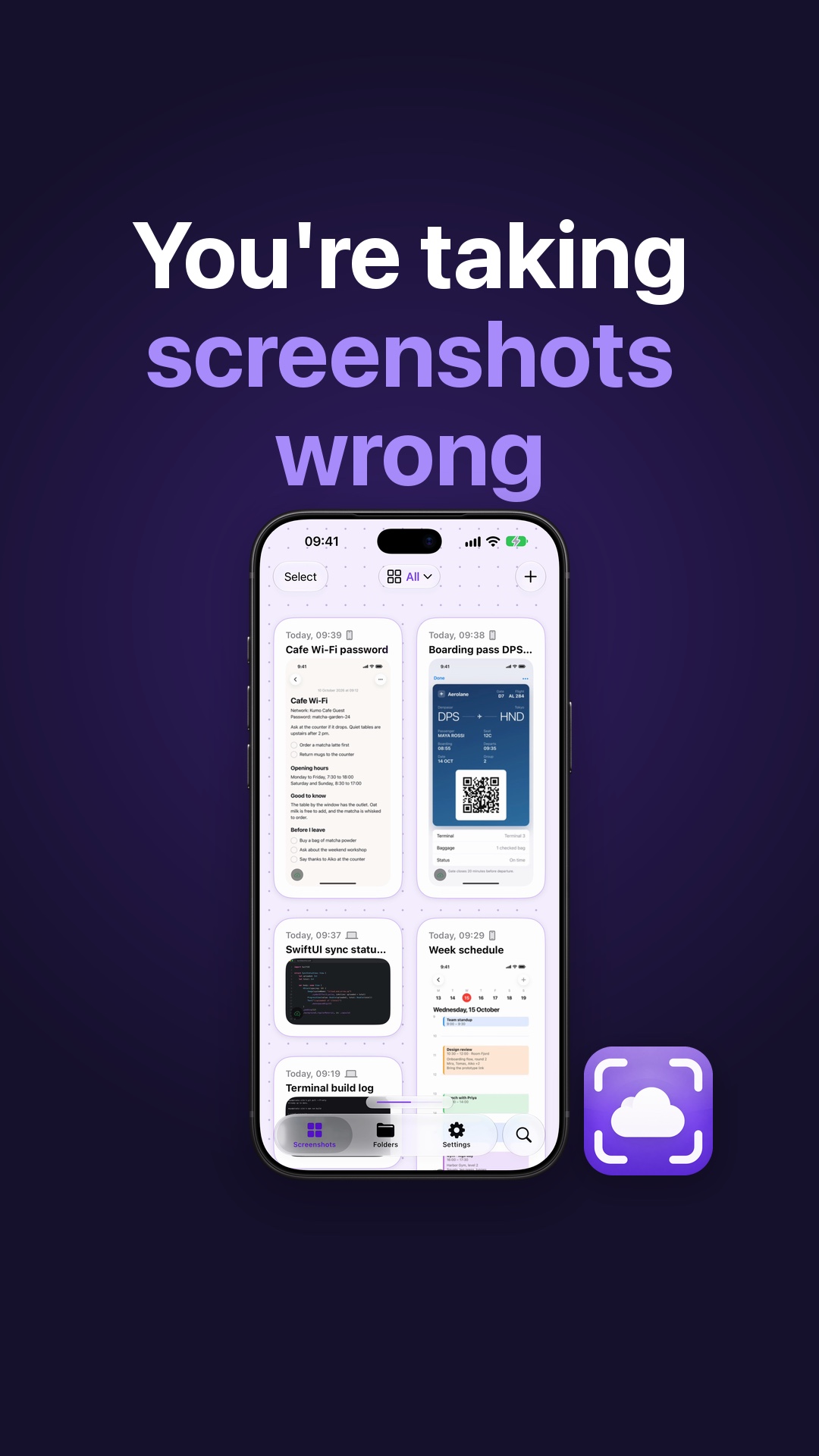 How to Name and Find Every Screenshot on iPhone and MacGive every screenshot a name that makes sense and search the words inside it on iPhone and Mac. Smart names run on your device with Apple Intelligence.
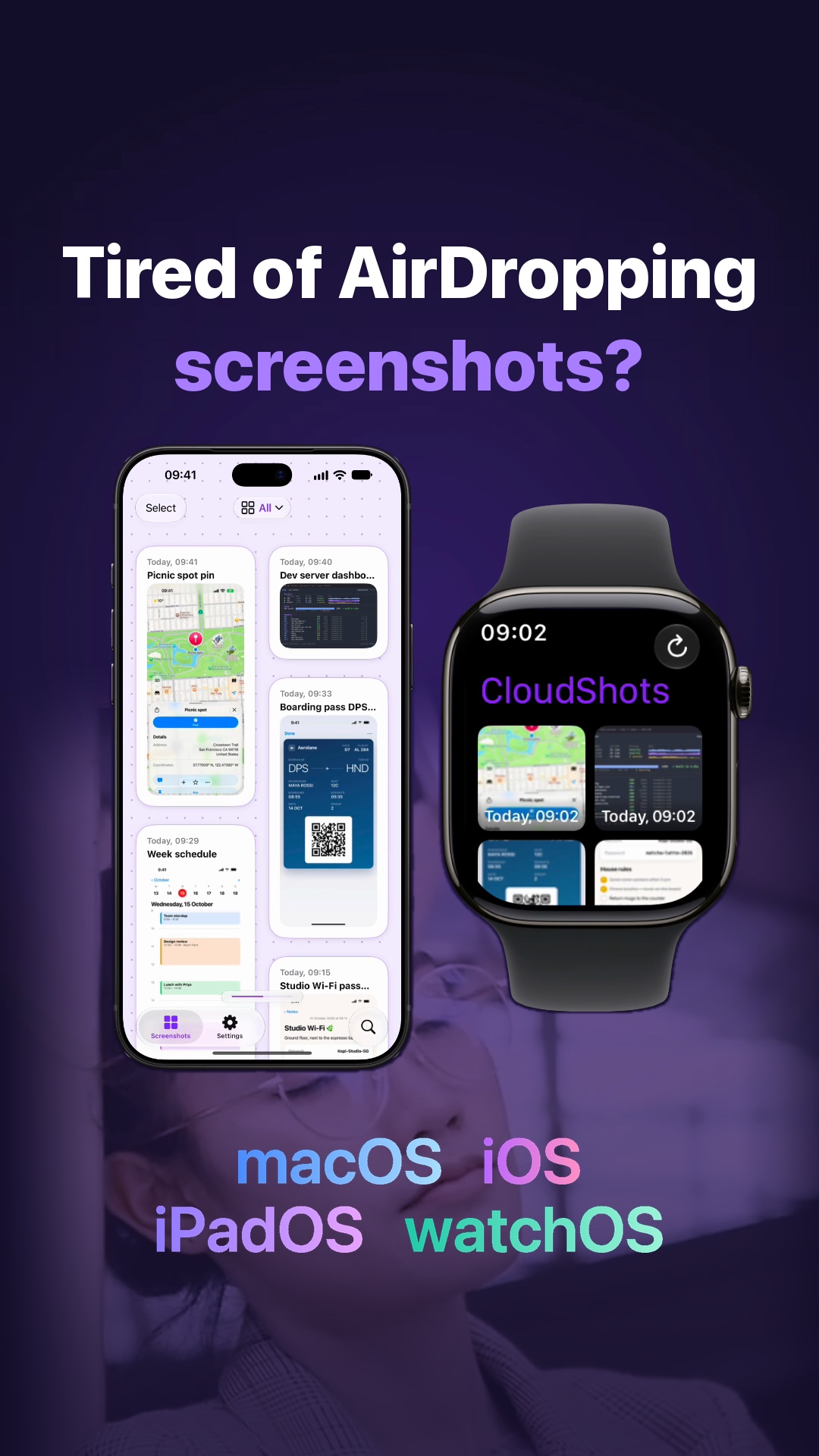 Transfer Screenshots from iPhone to Mac Without AirDropTransfer screenshots from iPhone to Mac without AirDrop: CloudShots syncs each one to your Mac, iPad and Apple Watch through your private iCloud, no server.
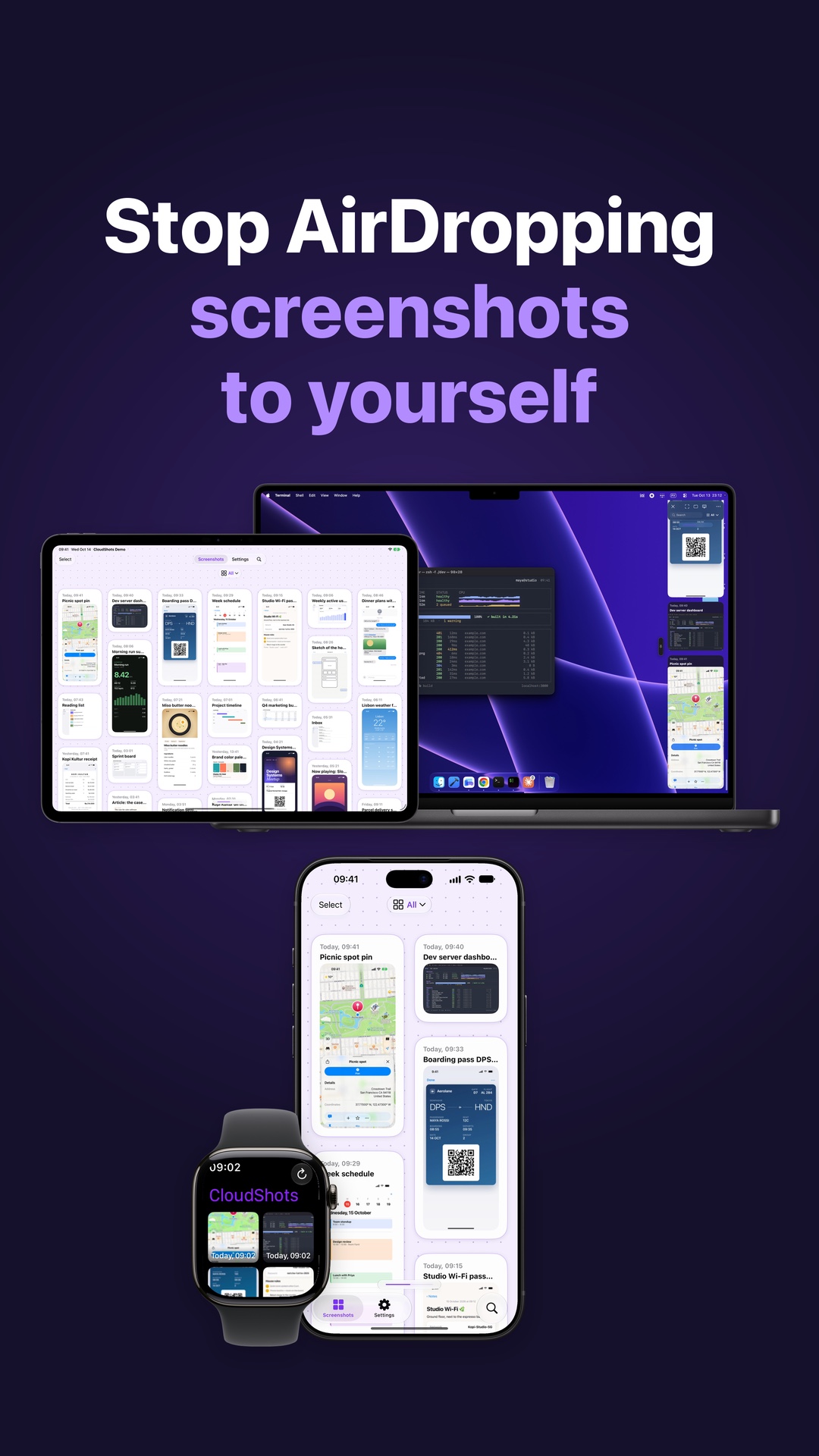 Sync Screenshots from iPhone to Mac Without AirDropTake a screenshot on iPhone and find it in CloudShots on your Mac, iPad and Apple Watch through your private iCloud, with no AirDrop and no server.
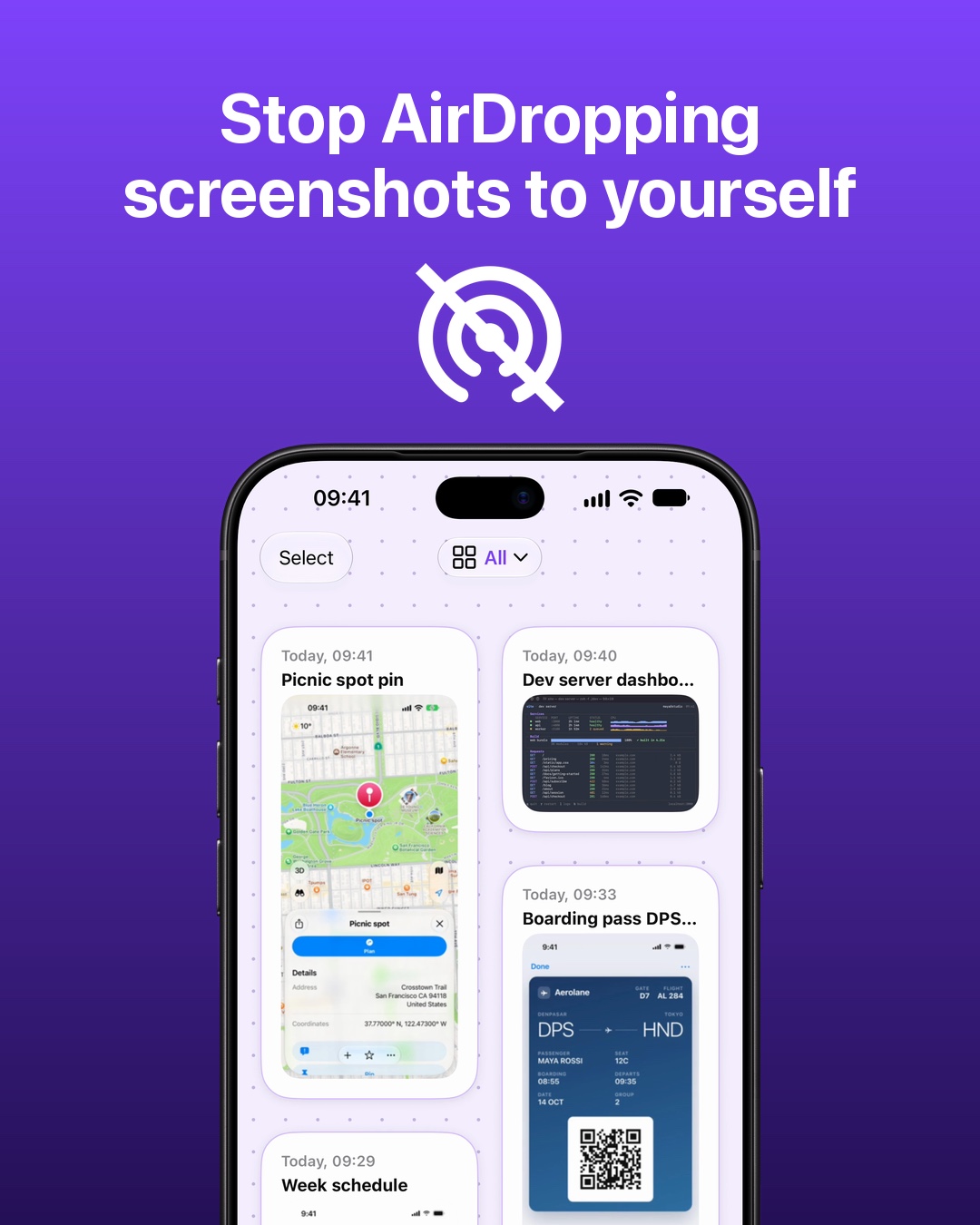 Stop AirDropping screenshots to yourselfFind iPhone screenshots on your Mac, iPad and Apple Watch with CloudShots. Your screenshot library syncs through your own private iCloud.
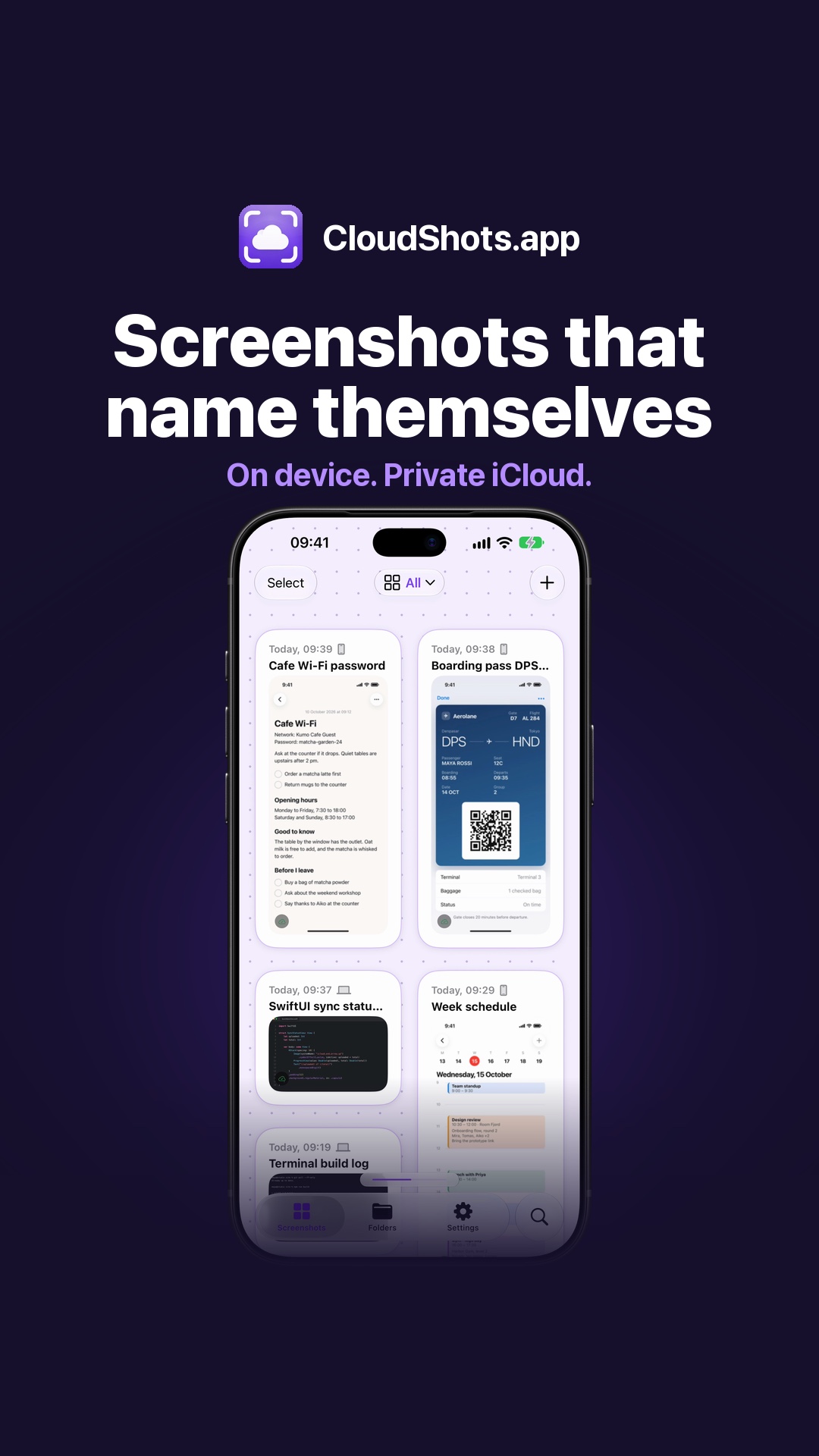 How to Rename Screenshots Automatically on iPhone and MacWith Apple Intelligence, CloudShots gives every screenshot a name that makes sense, written on your iPhone or Mac from the text and the picture.
 How to Find Any Screenshot by What’s Inside on iPhone and MacType a word and CloudShots finds the screenshot by the text and pictures inside, on iPhone and Mac. Recognition runs on your device, synced through your iCloud.
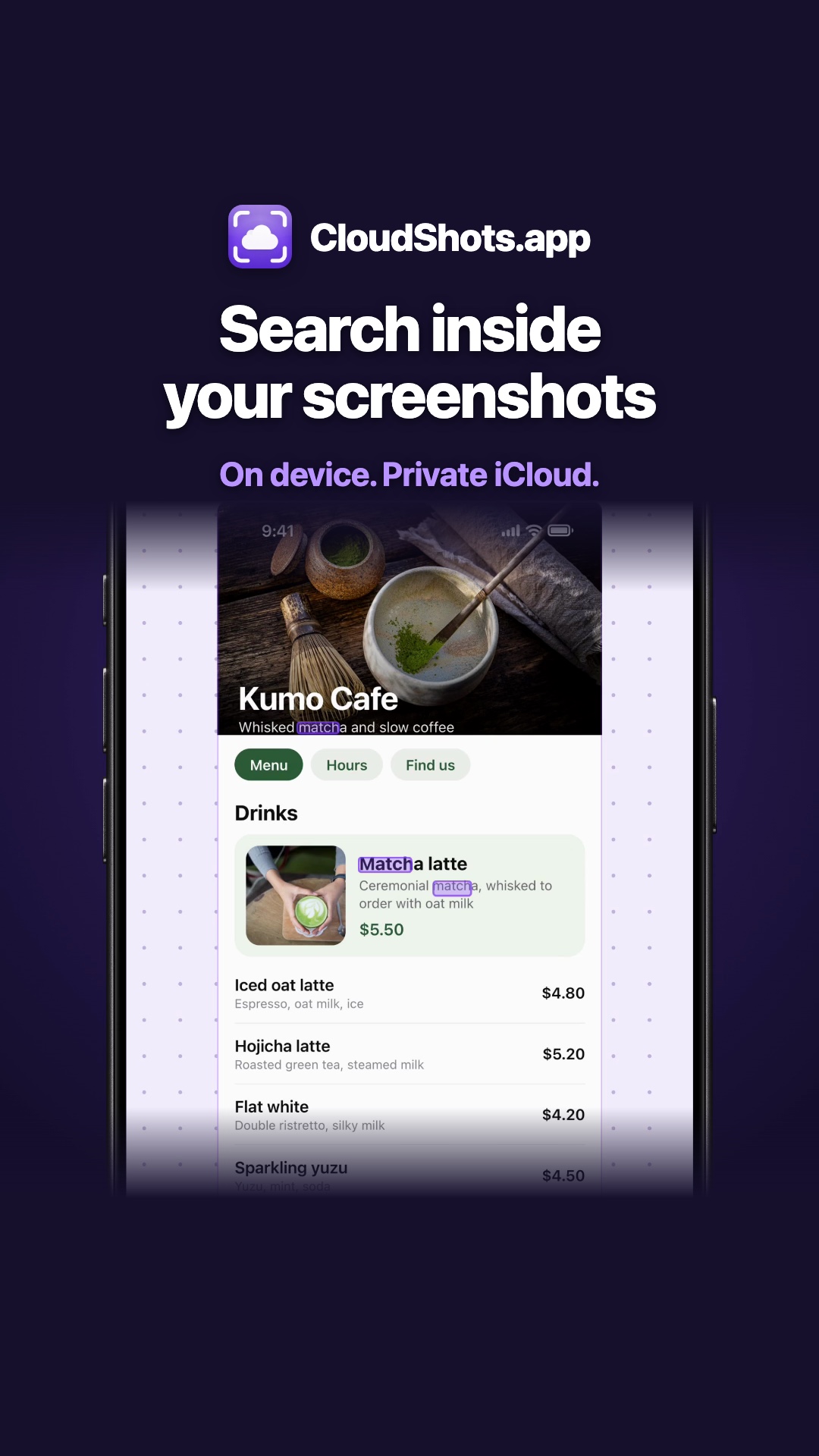 How to Search Text Inside Screenshots on iPhone and MacType one word and CloudShots finds the screenshot by the text inside it, on iPhone and Mac. A step-by-step guide to search text in screenshots.
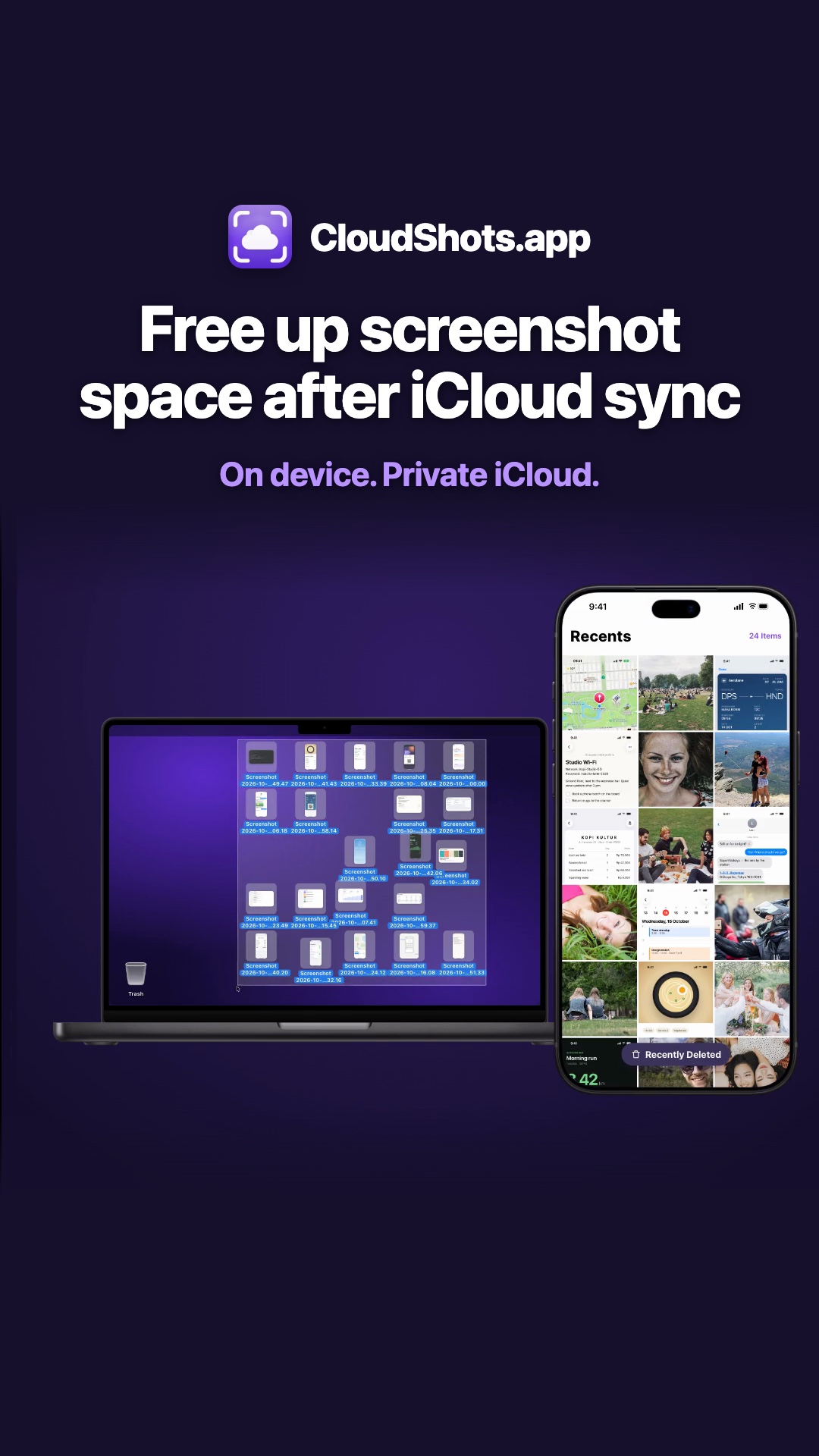 Free Up Screenshot Space on iPhone and Mac After iCloud SyncFree up screenshot space on iPhone and Mac: CloudShots confirms each screenshot is in iCloud, then moves the original to Recently Deleted or the Trash.
 Screenshot on Mac, already on every Apple deviceTake a screenshot on your Mac and it shows up on your iPad, iPhone and Apple Watch through your own private iCloud.
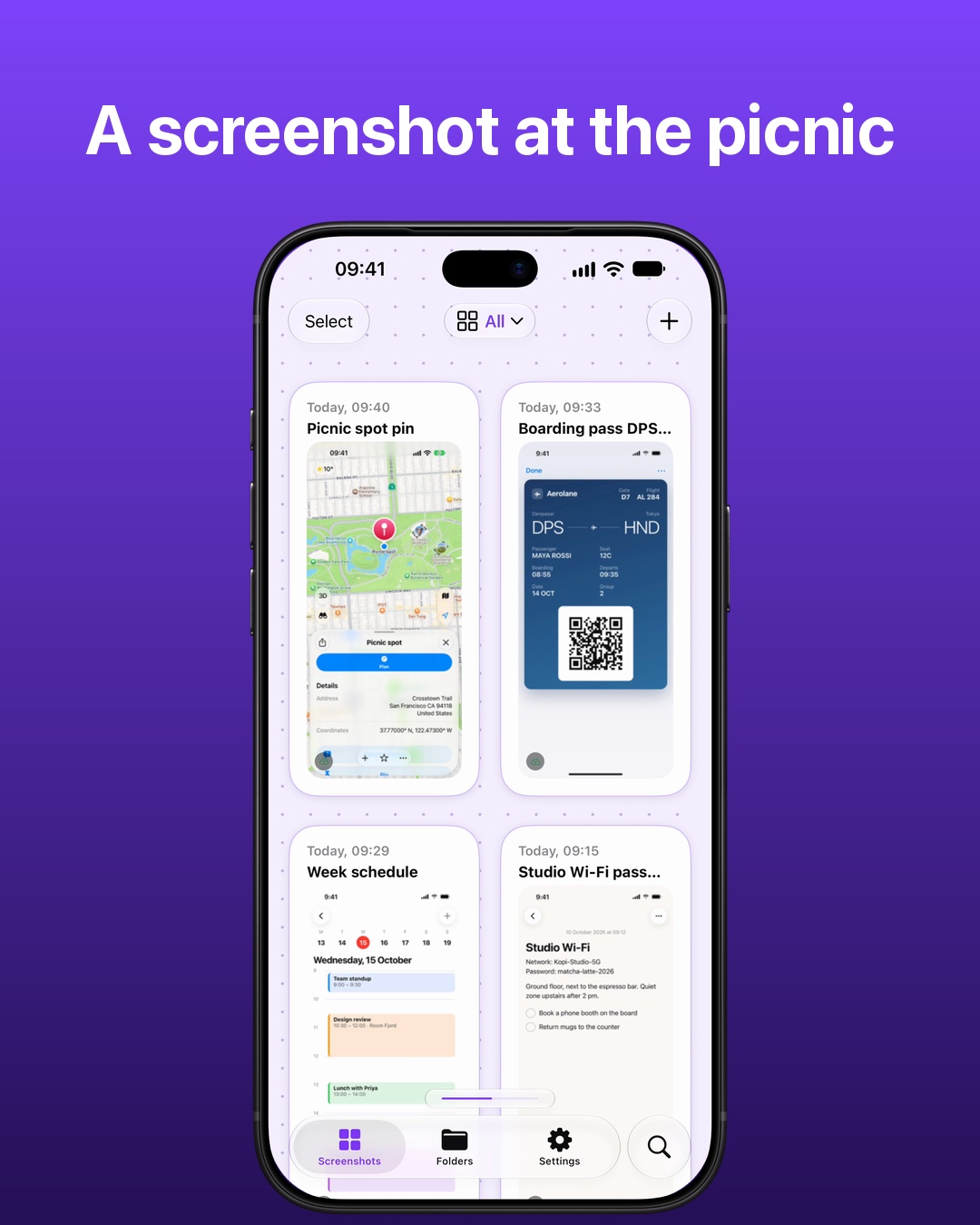 Screenshot on iPhone, already on your MacTake a screenshot on your iPhone and it lands in the CloudShots panel on your Mac a moment later, through your own private iCloud.
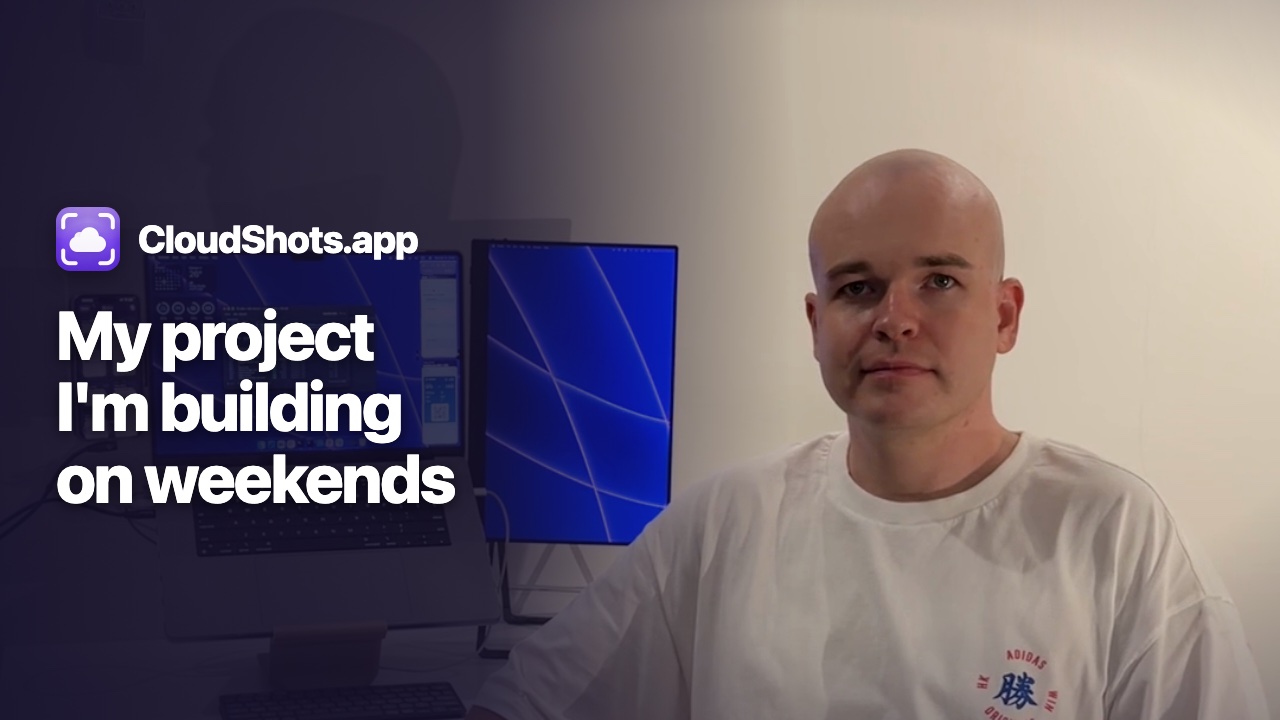 Why I Built a Screenshot Sync App for Mac and iPhoneI'm an iOS and macOS developer, and CloudShots is my weekend project: screenshots from Mac to iPhone, iPad and Apple Watch through private iCloud.
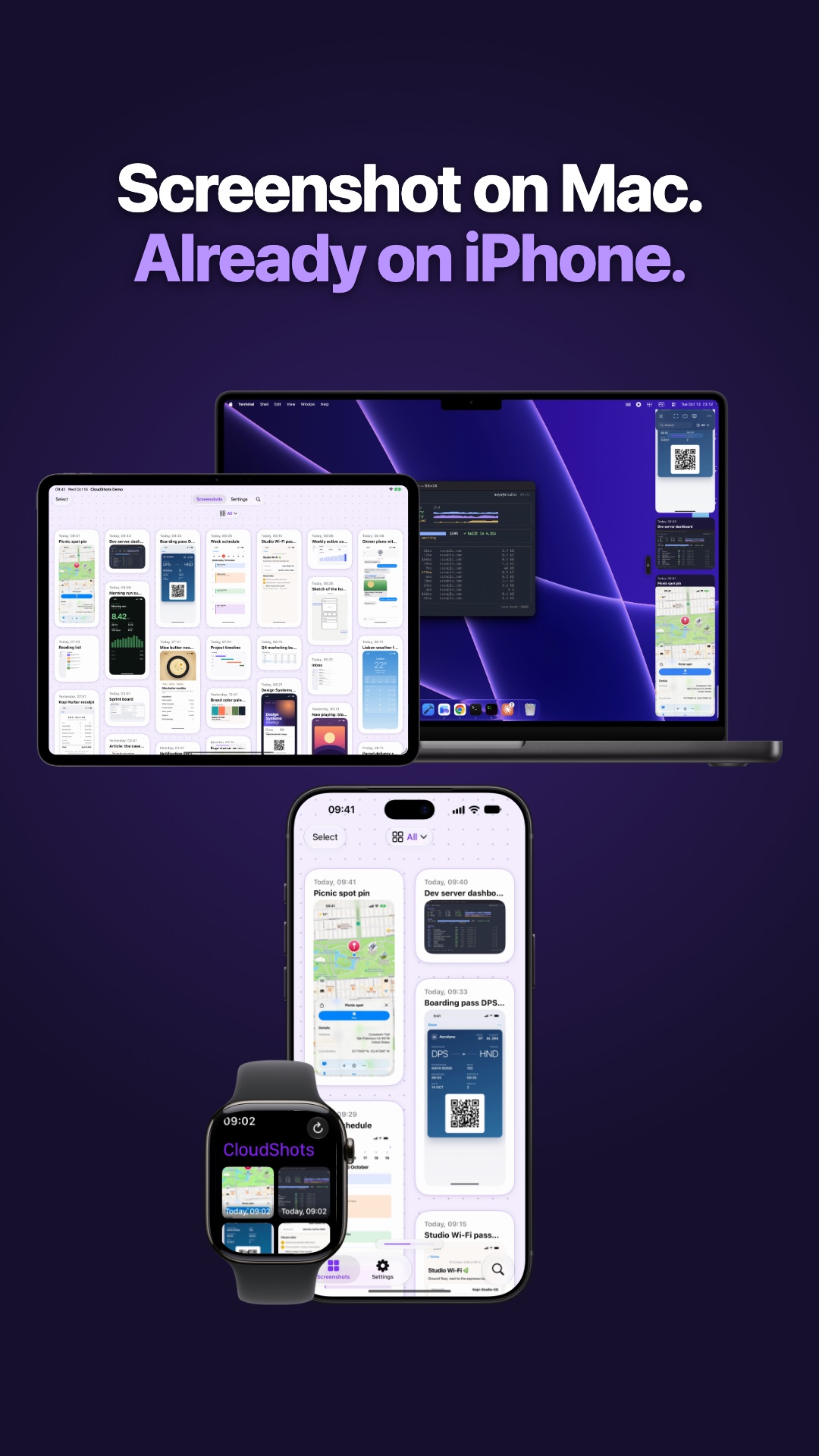 How to Sync Screenshots From Mac to iPhone AutomaticallyTake a screenshot on your Mac and CloudShots puts it on your iPhone, iPad and Apple Watch a moment later, through your own private iCloud.